Appearance
Shopify Theme UI extension
NOTE
This extension is best suited for sites that use Legacy customer accounts.
How to add
Adding the Theme UI Extension should only take a couple of minutes. Follow these instructions to get started.
Themes
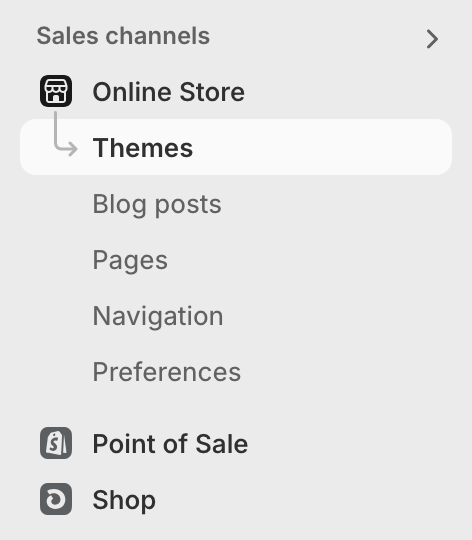
- In the Shopify admin select
Sales Channels->Online Store->Themes
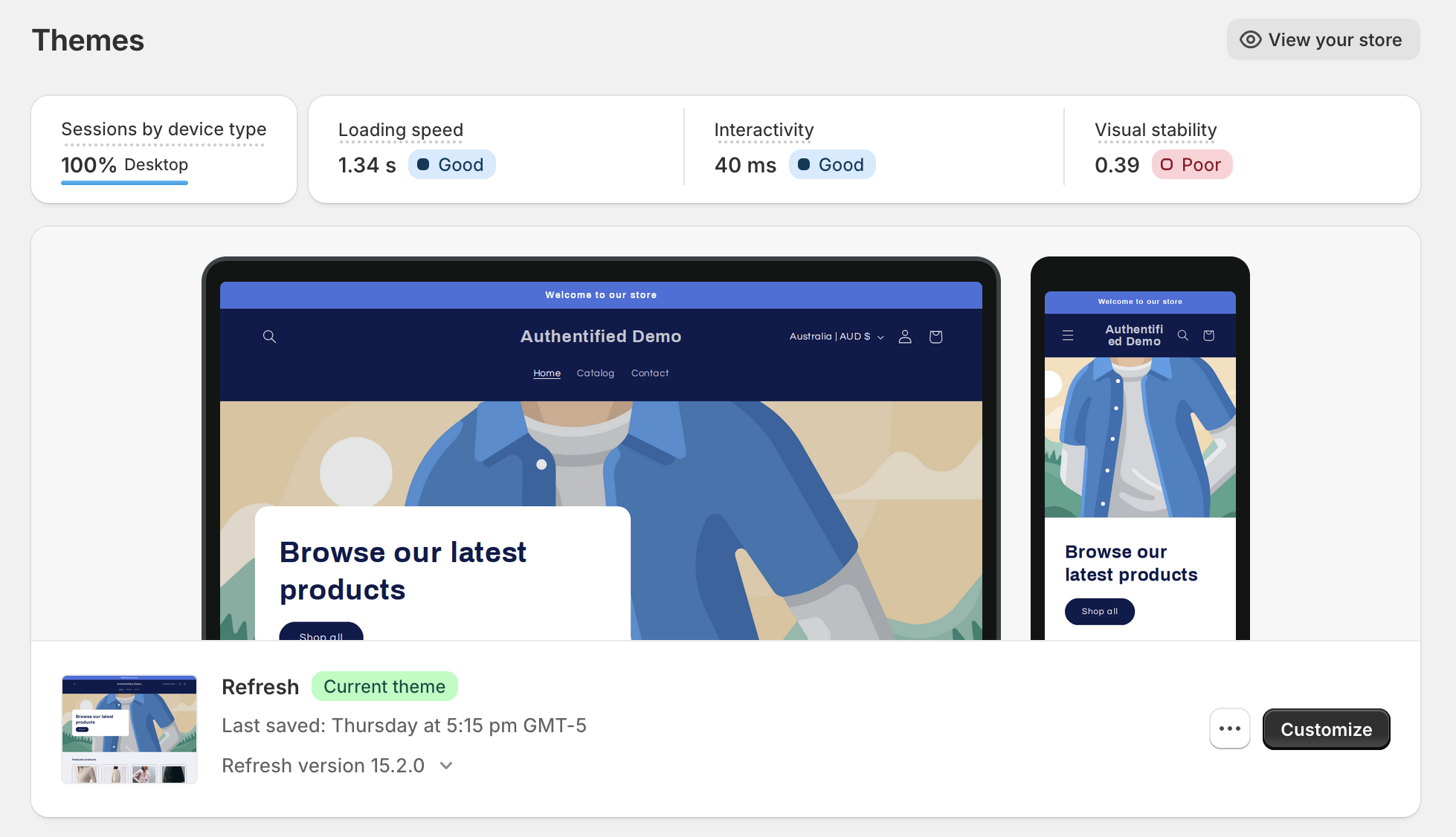
Customize
- Click the
Customizebutton
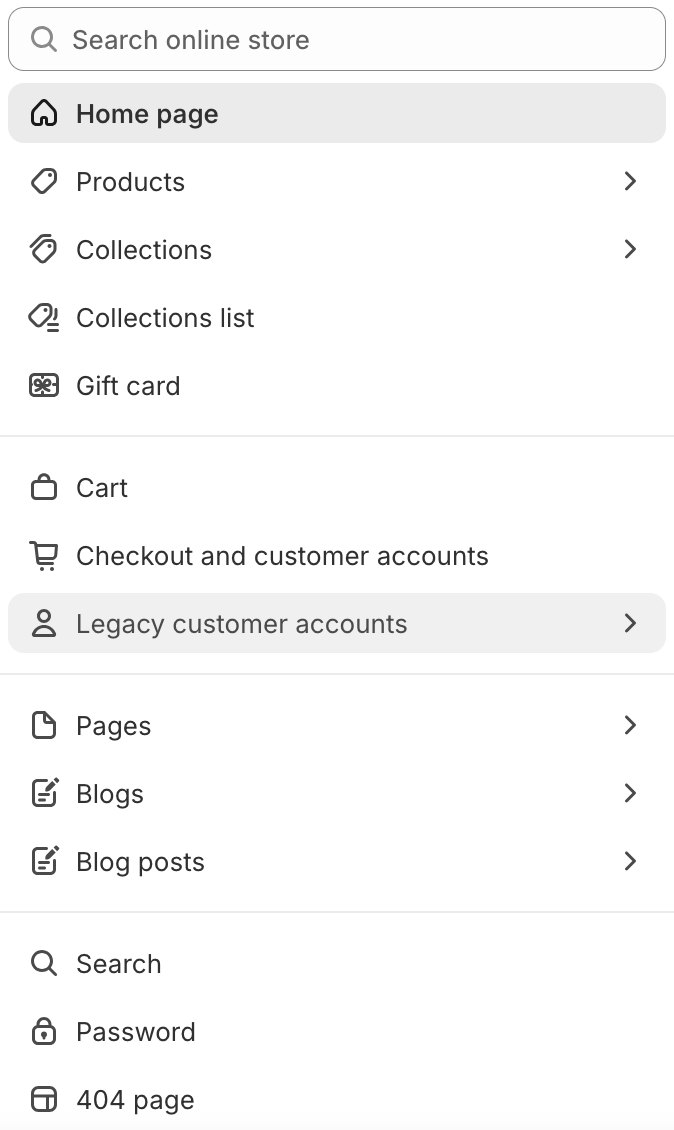
Page selector
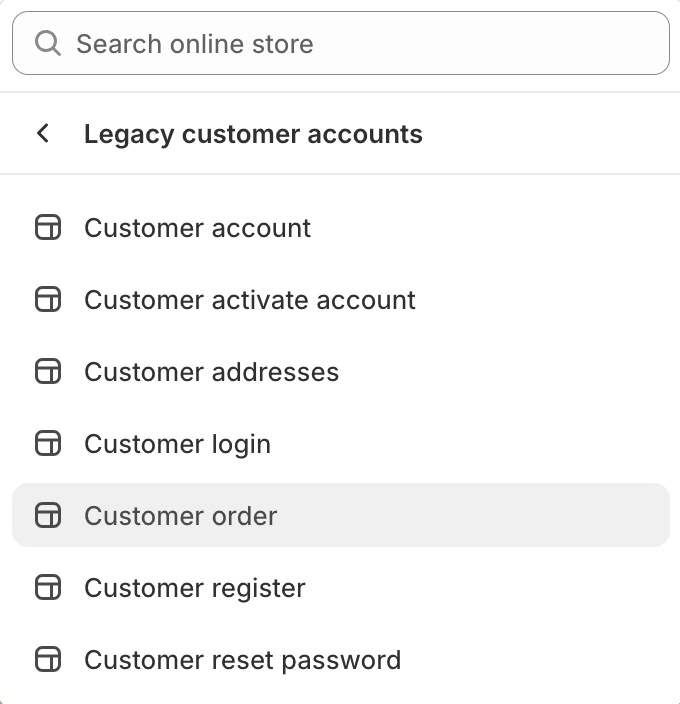
- From the dropdown menu in the middle of the header, select
Legacy accounts->Customer account
NOTE
You will need to login with a customer account in order that has orders to edit the Customer order page.
Customer account
- Click any order on the
Customer accountpage
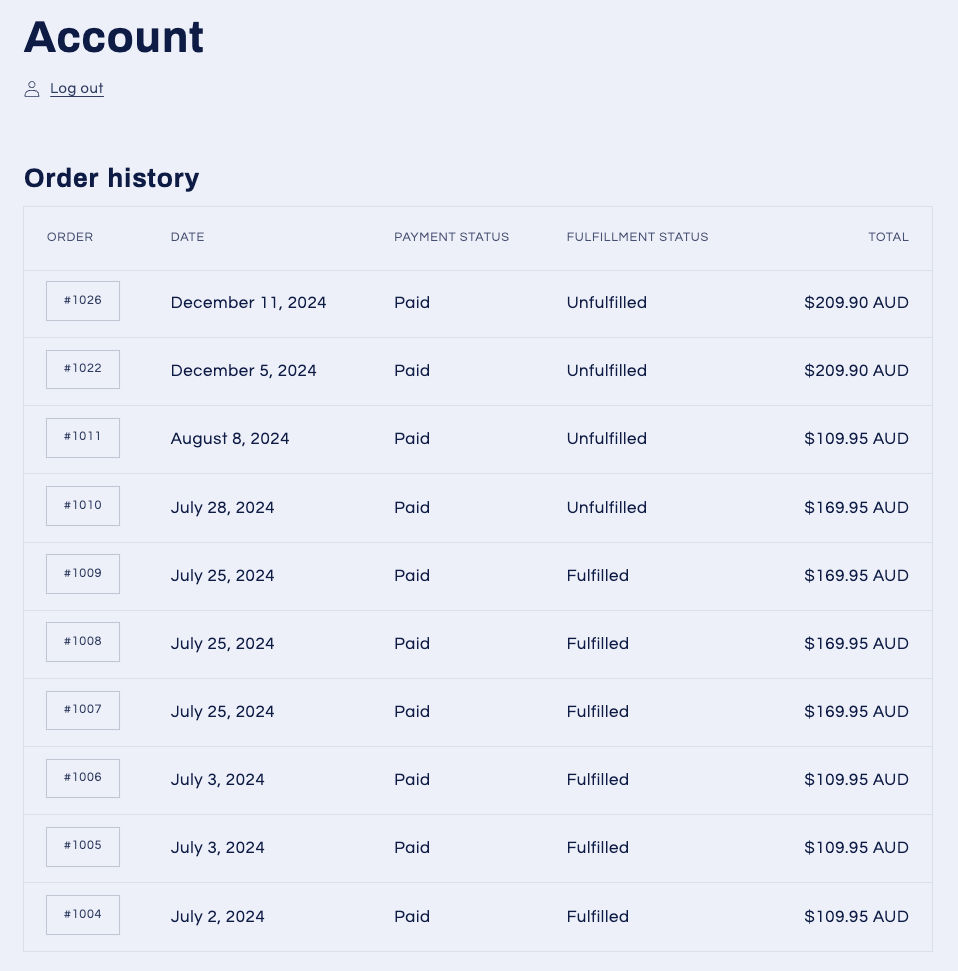
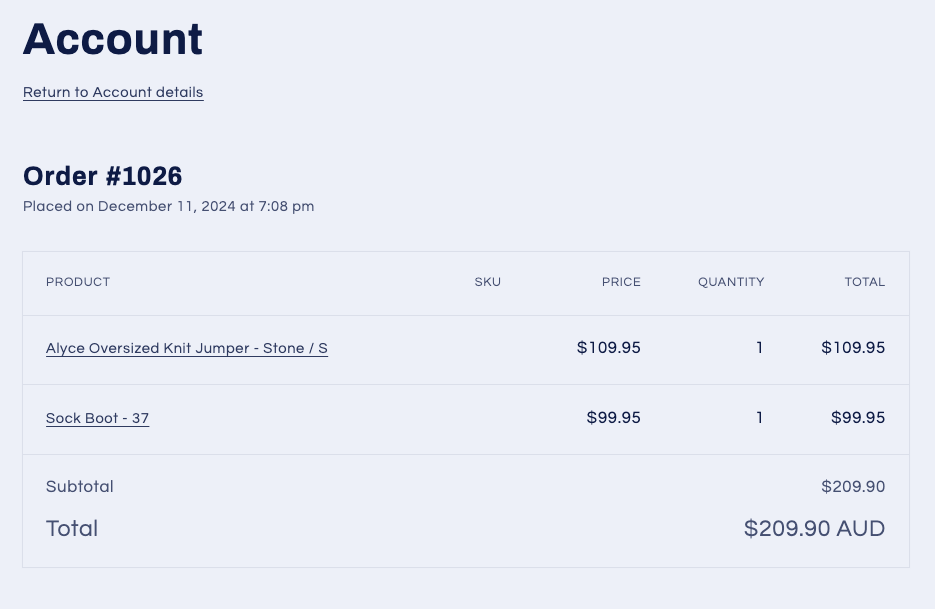
App block
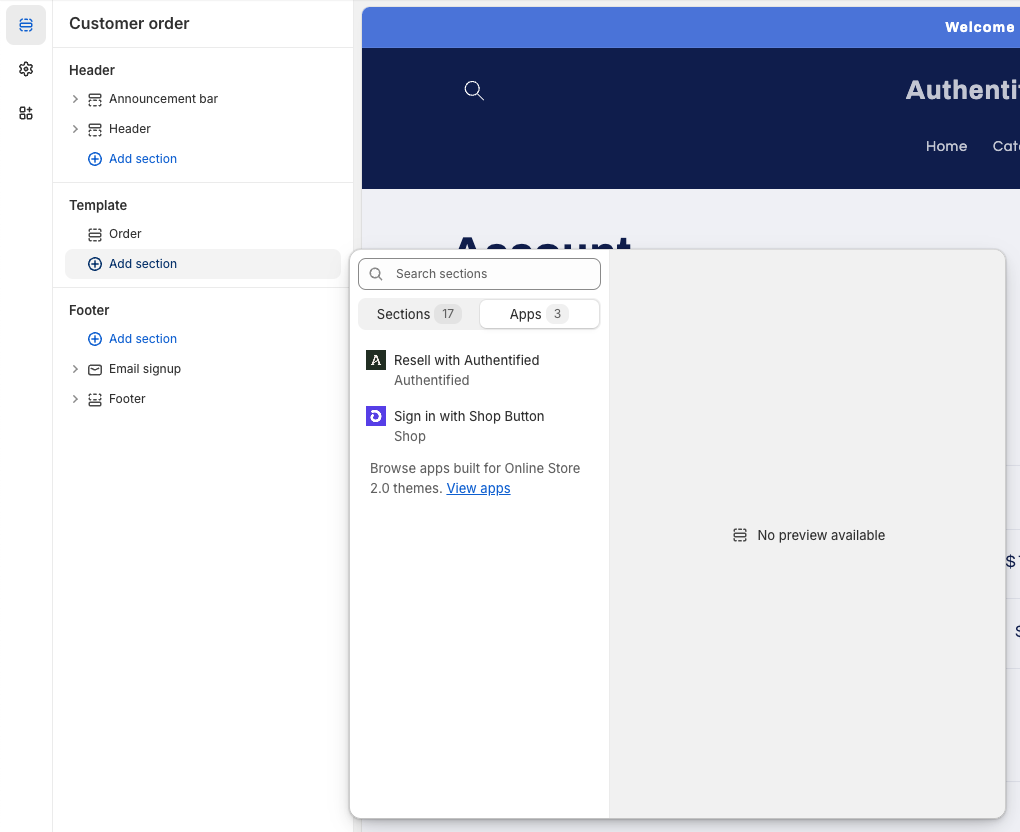
- In the
Templatearea underSectionson the left-hand side, click the blueAdd sectionbutton - Click on the
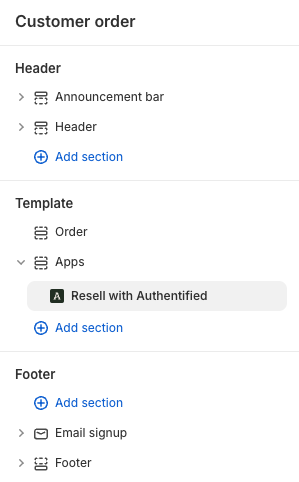
Appstab and selectResell with Authentified
NOTE
This section can be dragged to any position within the order template, we recommend placing it below the order.