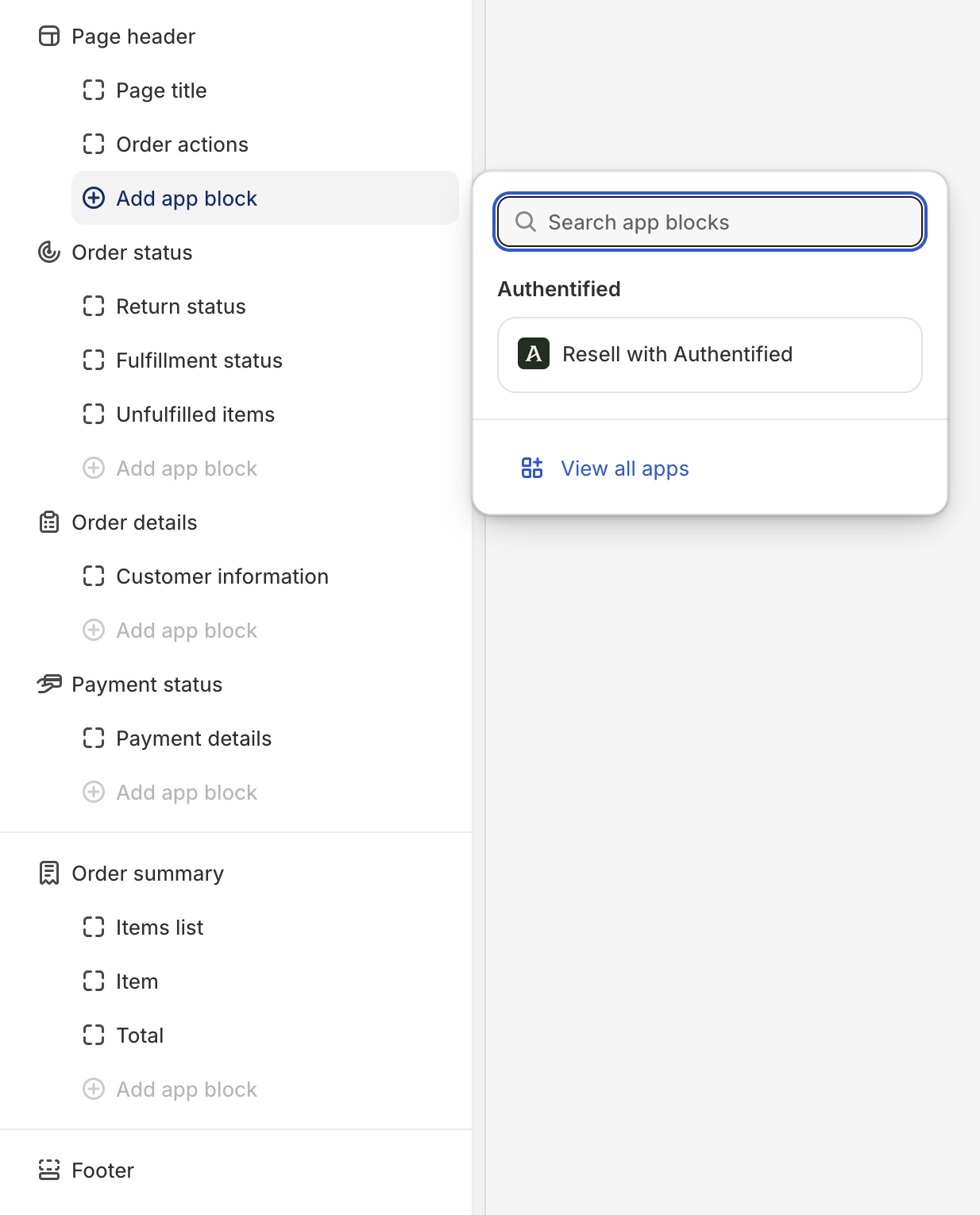
Appearance
Shopify Customer UI extension
NOTE
To use the Customer UI Extension, you must have New Customer accounts enabled. If you are using Legacy customer accounts, please use the Theme UI extension
The Authentified Shopify Customer UI extension integrates with Shopify's new customer accounts, which replaces legacy customer accounts.
Read more about new customer accounts
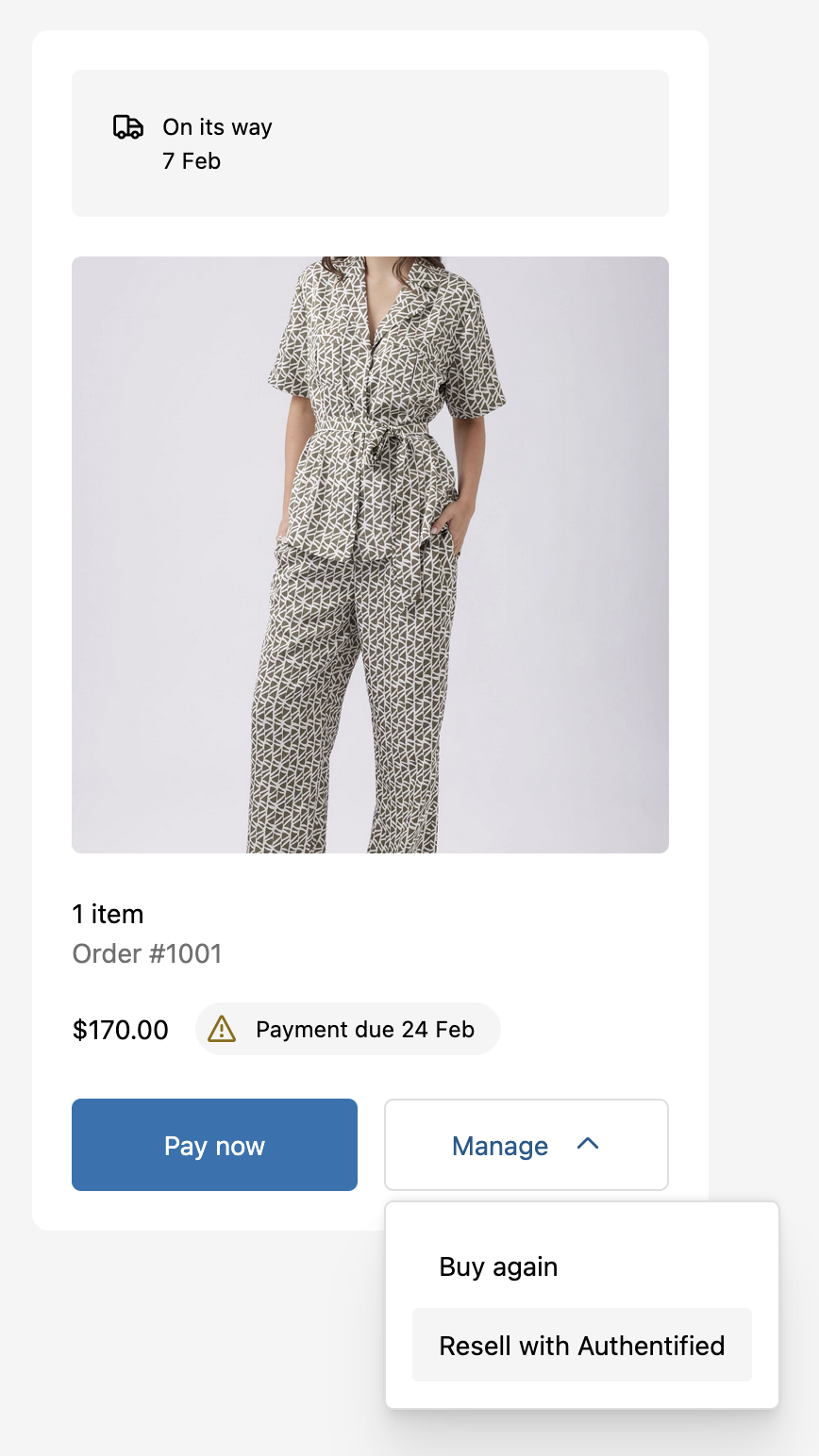
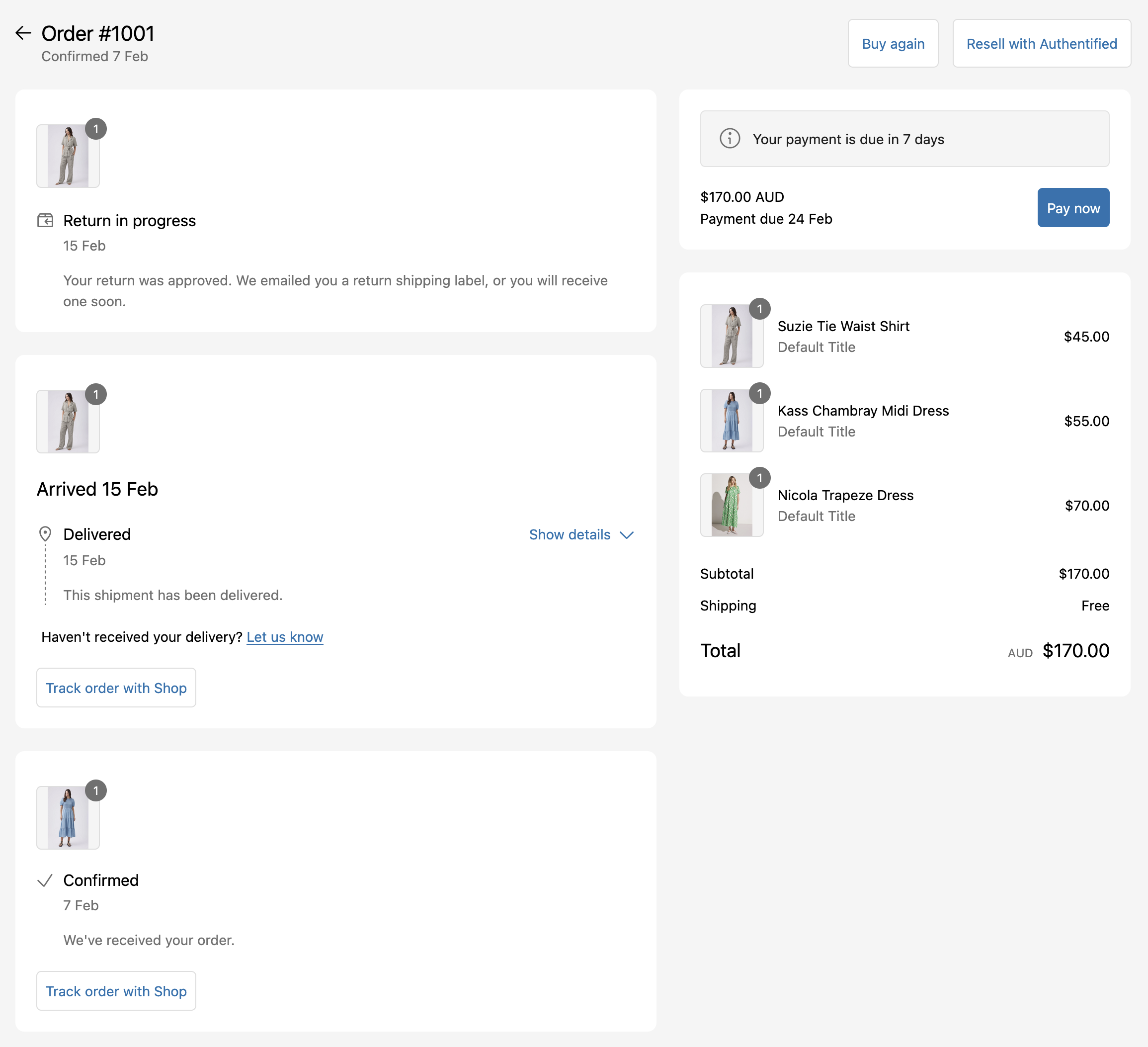
The customer UI extension displays a button in two places:
Order index
Order status
How to add
Adding the Customer UI Extension should only take a couple of minutes. Follow these instructions to get started.
Settings
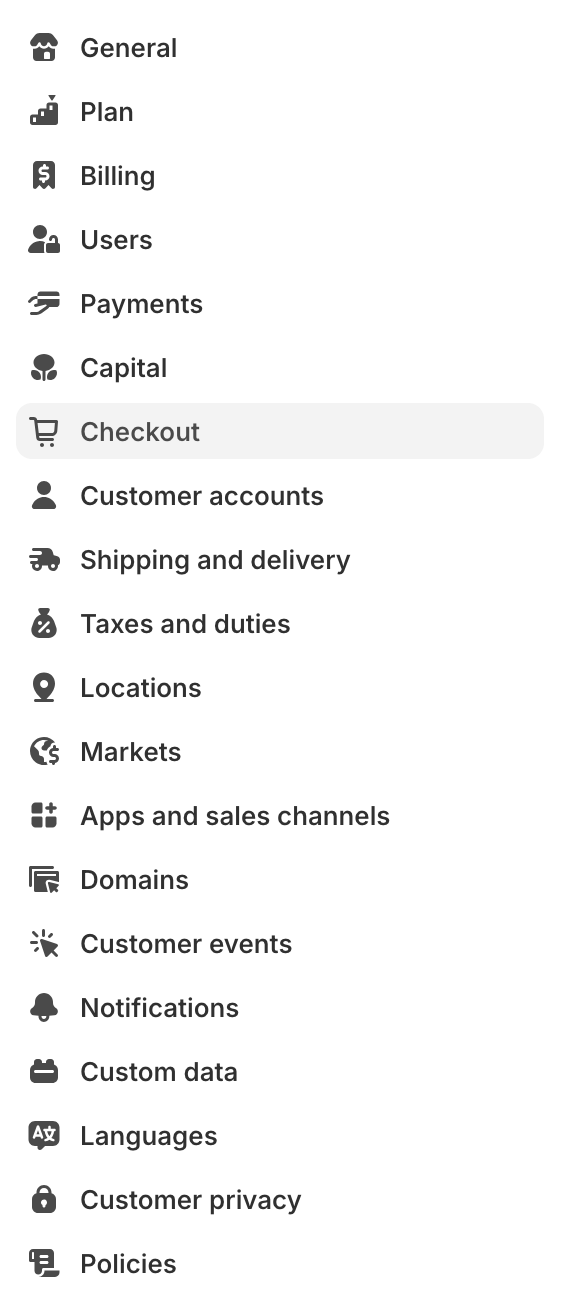
- In the Shopify admin select
Settings->Checkout
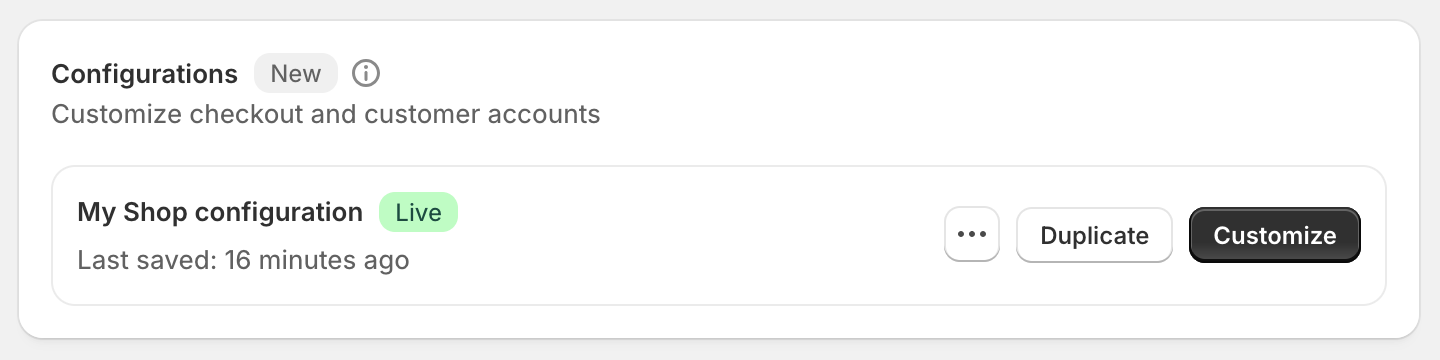
Configurations
- Click the
Customizebutton in theConfigurationspanel
Order Status page
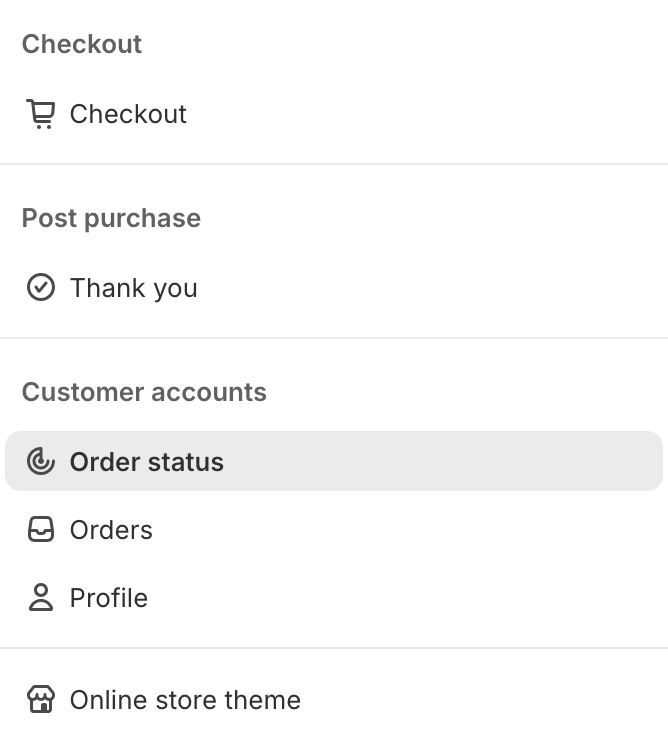
- From the dropdown menu in the middle of the header, select
Order Status
Sections
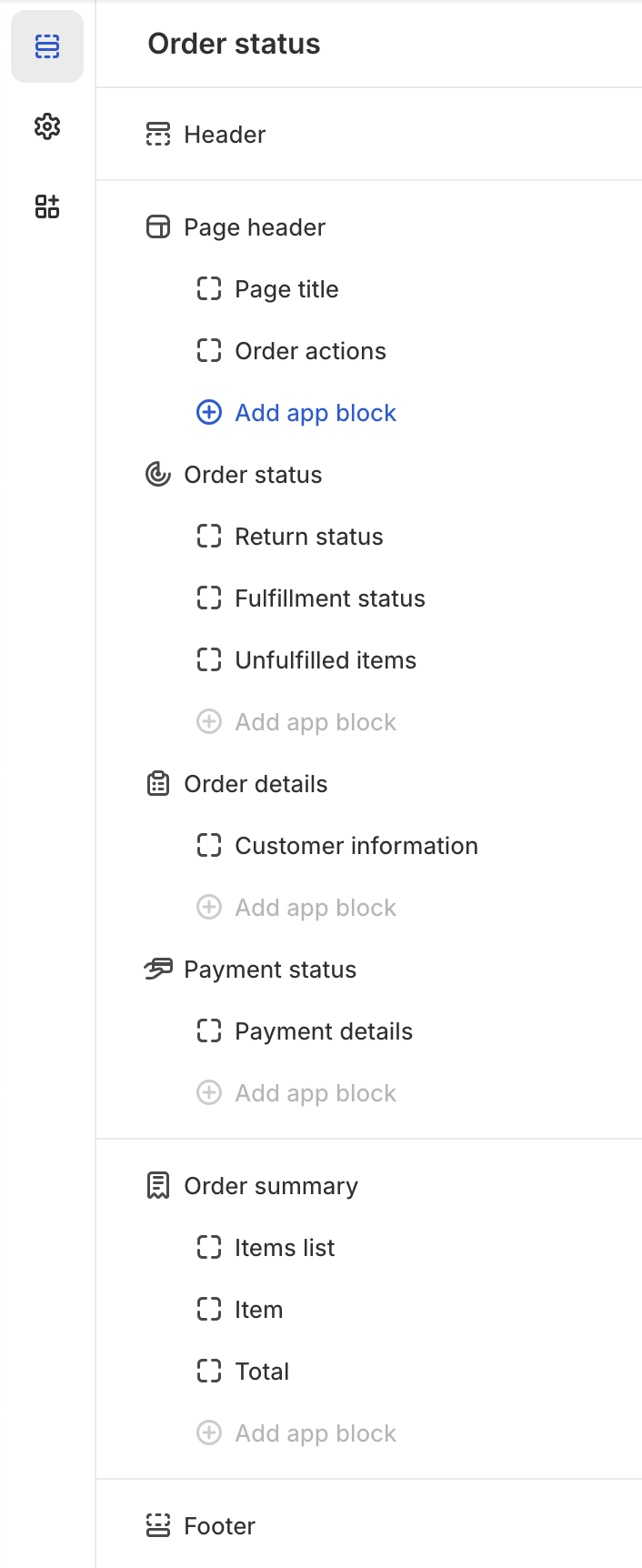
- Click the
Sectionsicon on the left hand side
App block
- Click the blue
Add app blockbutton and clickResell with Authentified